Pip for AndroidPip 安卓版
Your Apple TV remote.
Now on Android.你的 Apple TV 遥控器,
现在来到安卓。
Pip for AndroidPip 安卓版
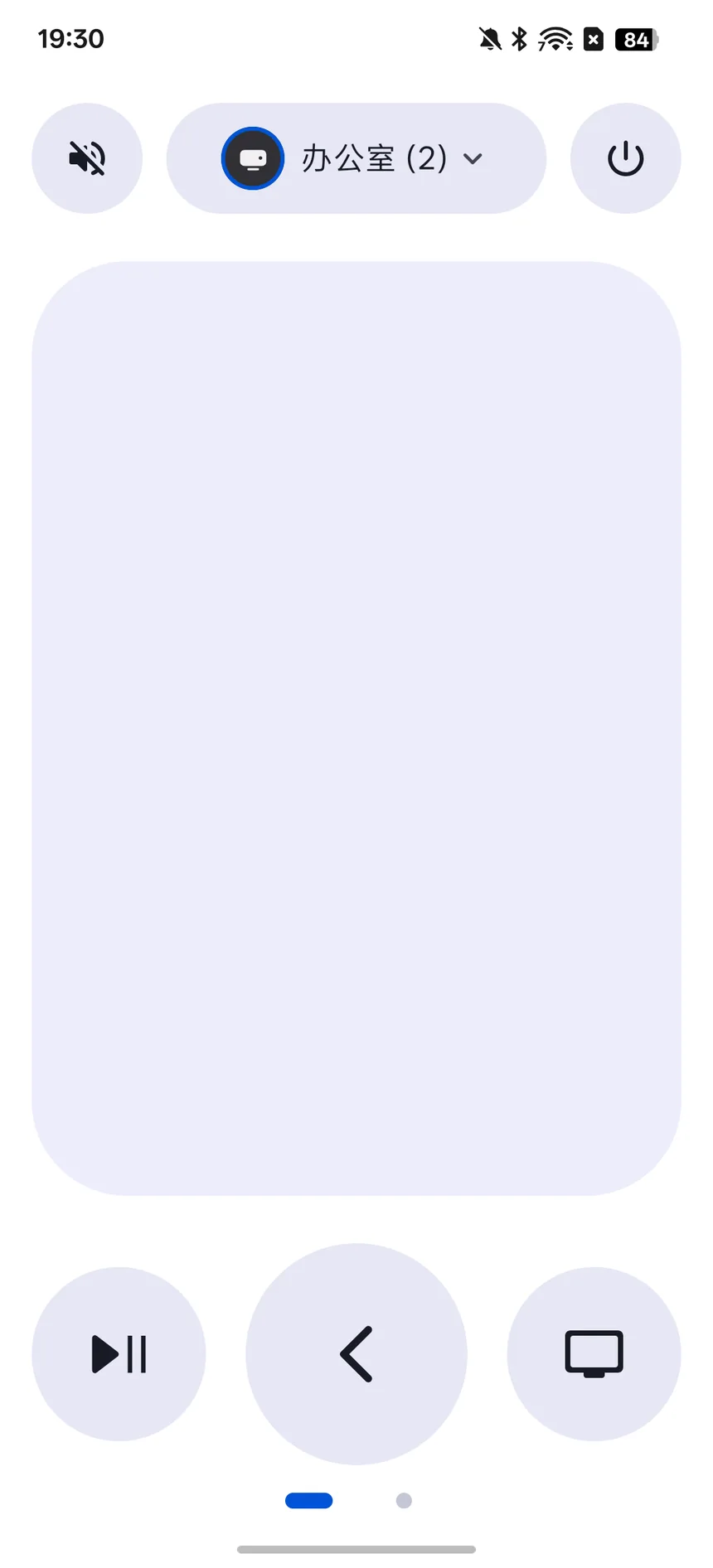
Everything you reach for in the iPhone remote, built natively for Android.iPhone 遥控器上常用的一切,都为安卓原生打造。
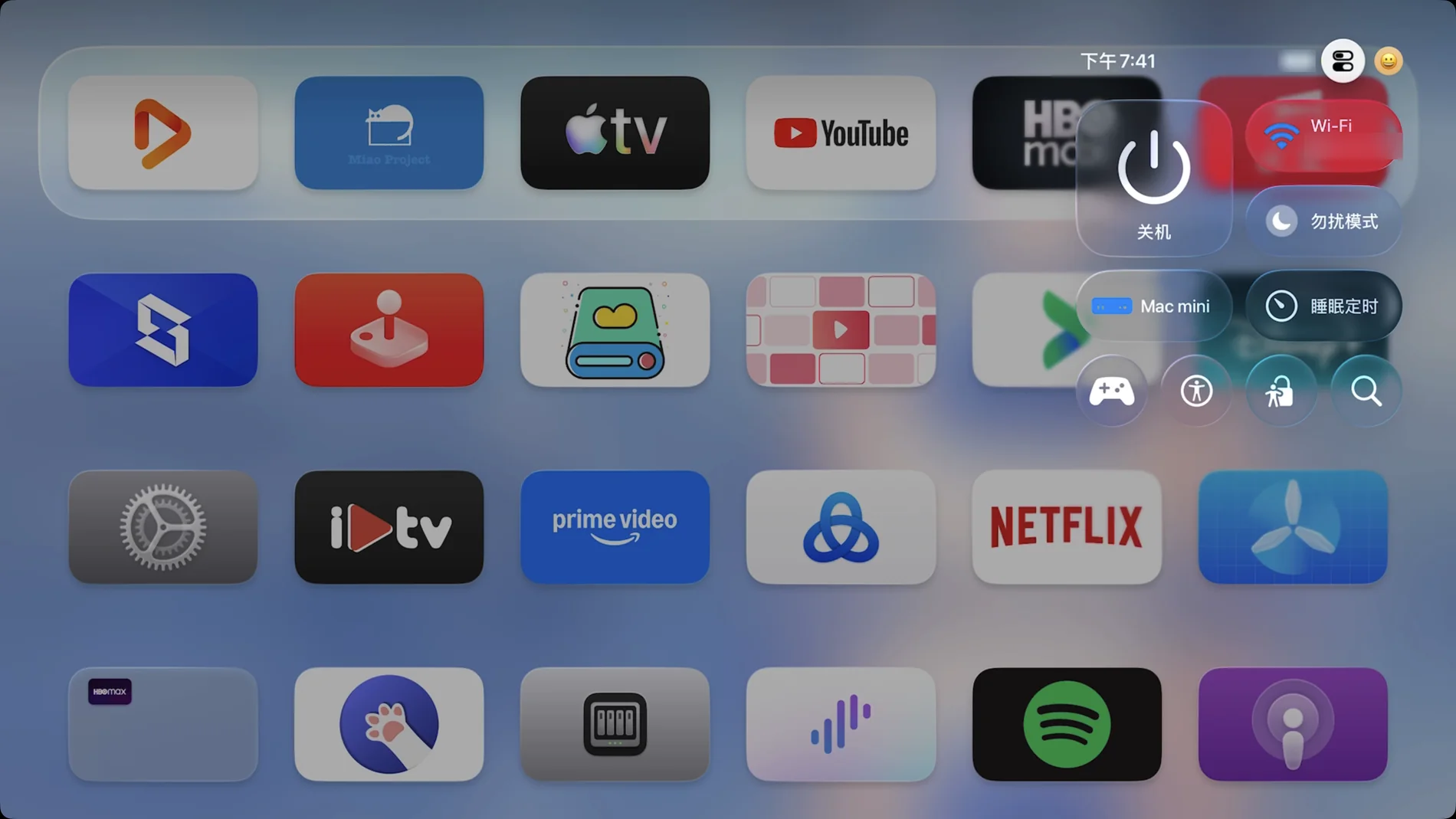
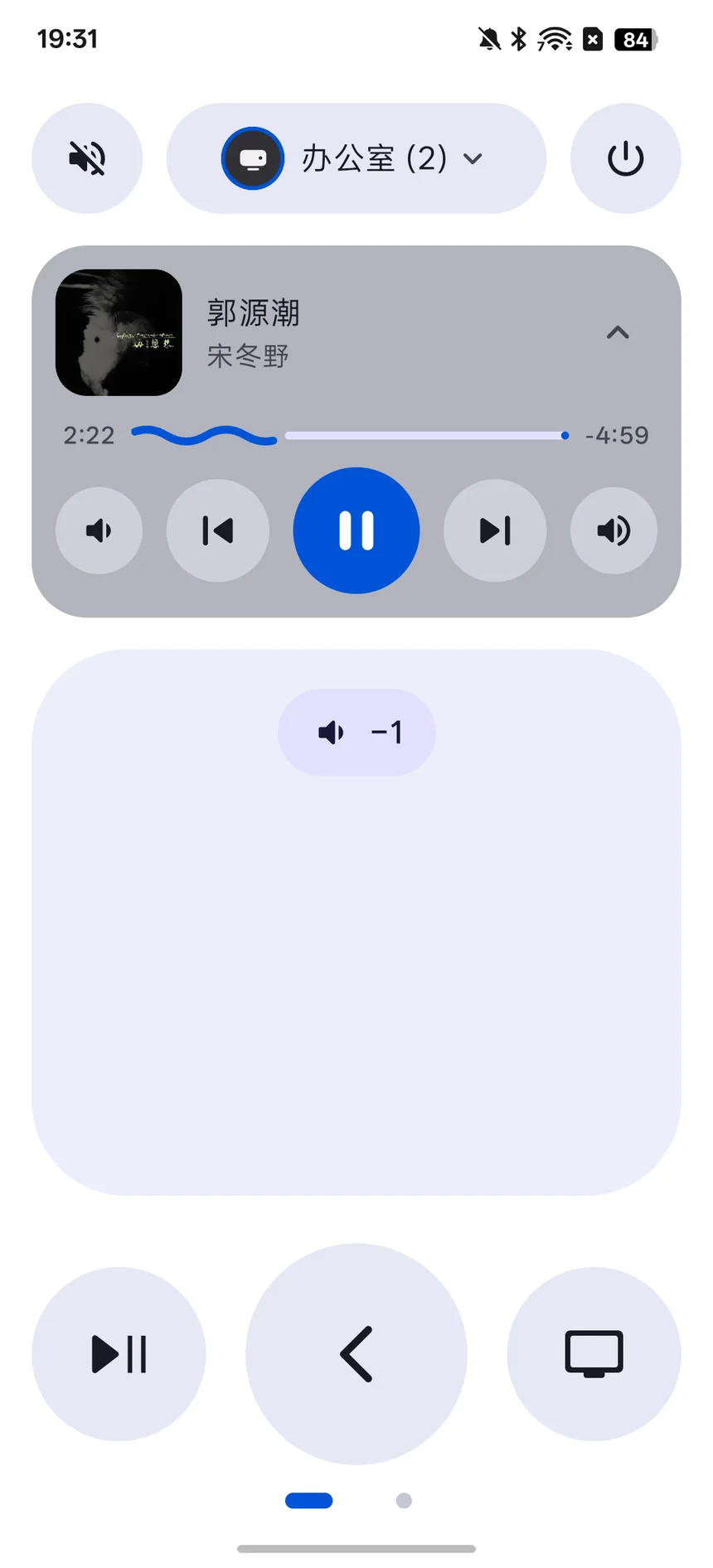
Slide to move focus, tap to select, and keep holding to keep moving. Hold Home to open Control Center on your TV.滑动移动焦点,轻点确认,滑到位按住可连续移动。长按主页键打开电视的控制中心。
Artwork, title and progress appear in Pip, and in your phone’s Control Center, notification shade and lock screen. For shows and movies, the buttons become 10-second skips.封面、标题和进度显示在 Pip 里,也显示在手机的控制中心、通知栏和锁屏上。播放剧集和电影时,按钮会变成快退、快进 10 秒。
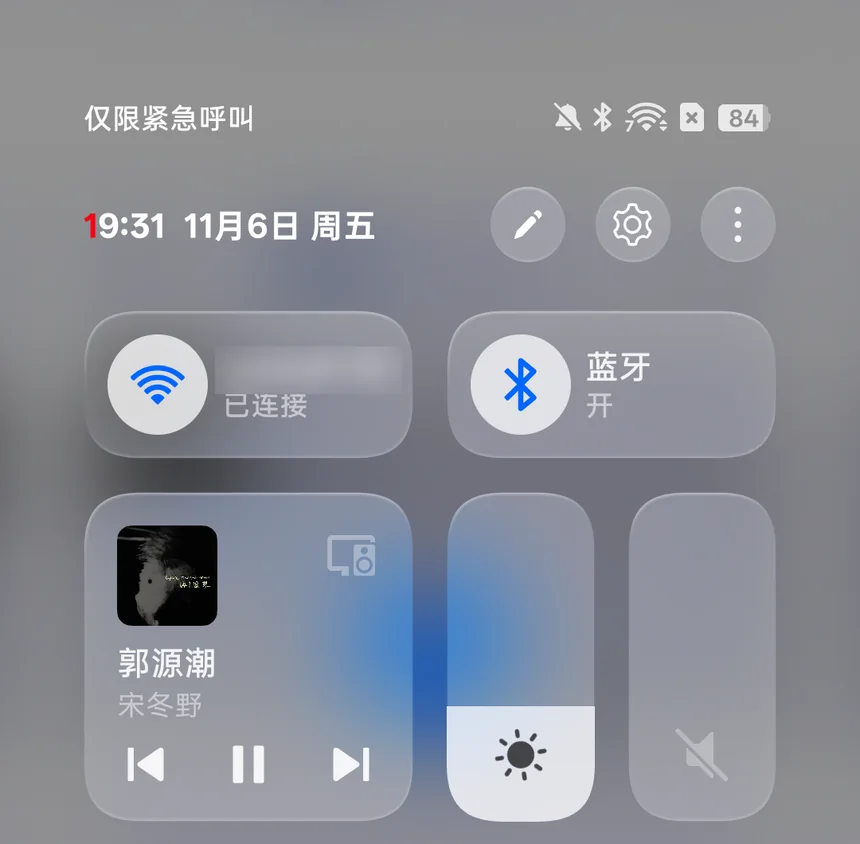
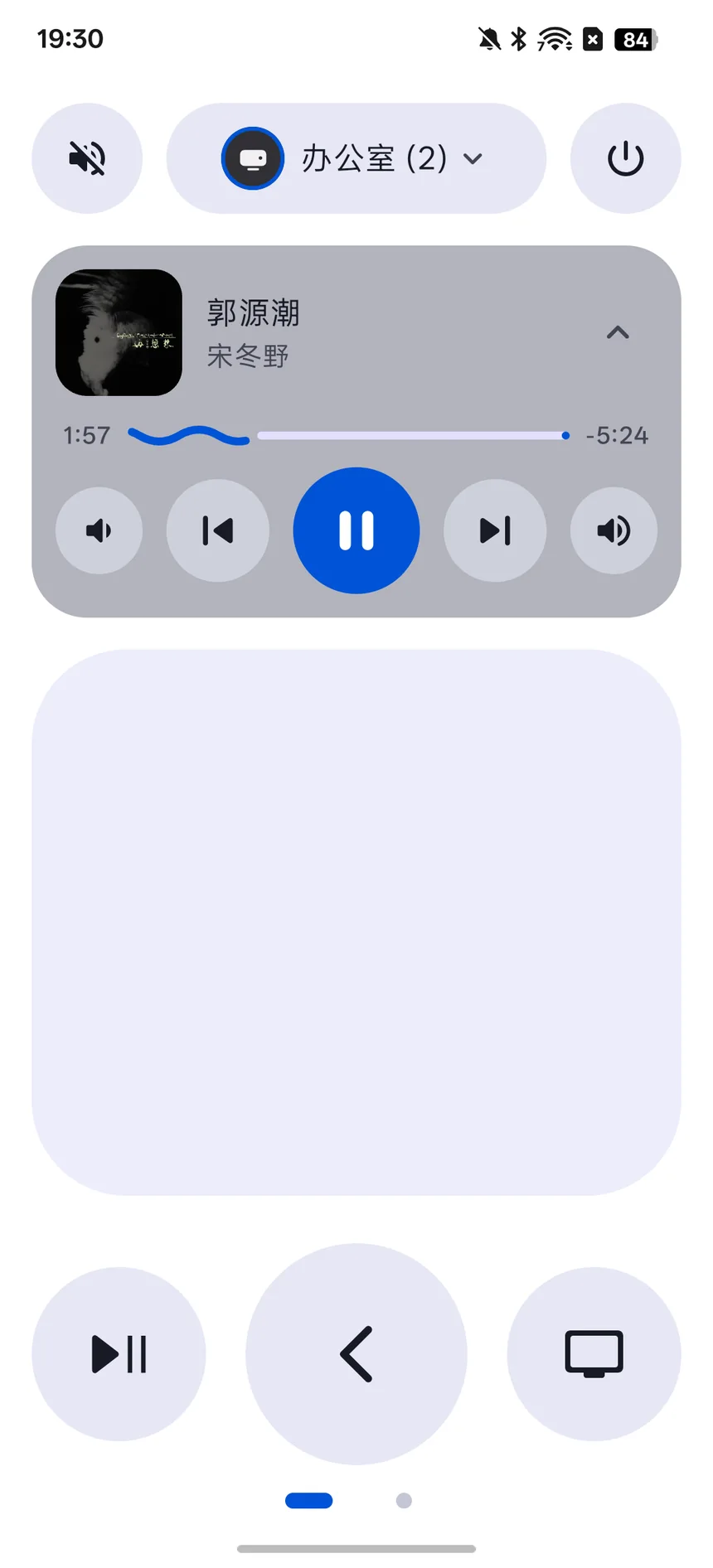
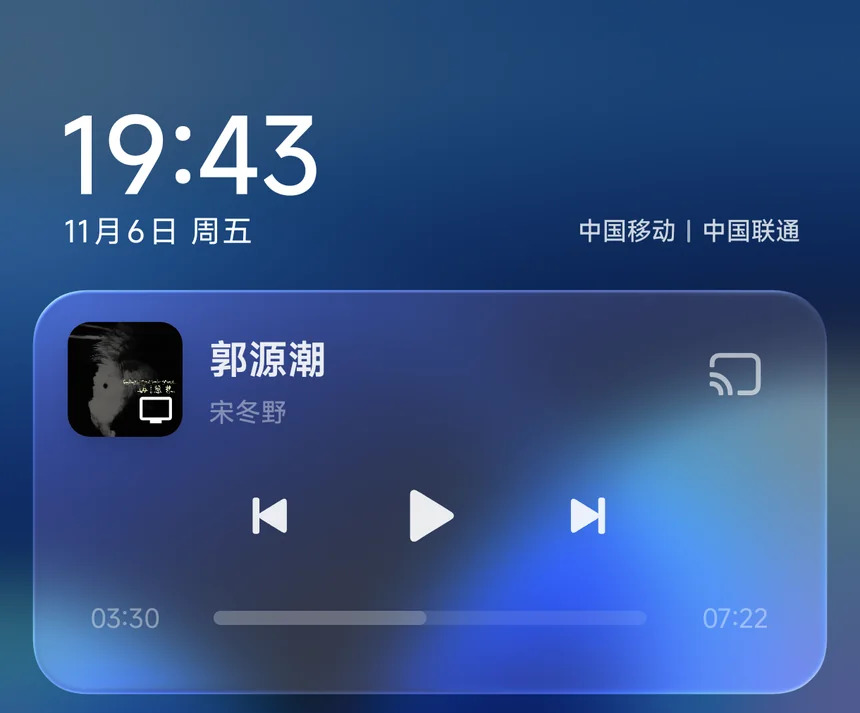
Shown with apps that share playback with tvOS, such as Apple Music. Some apps, including YouTube, don’t.需要电视上的应用向 tvOS 上报播放信息,比如 Apple 音乐;YouTube 等应用不上报。
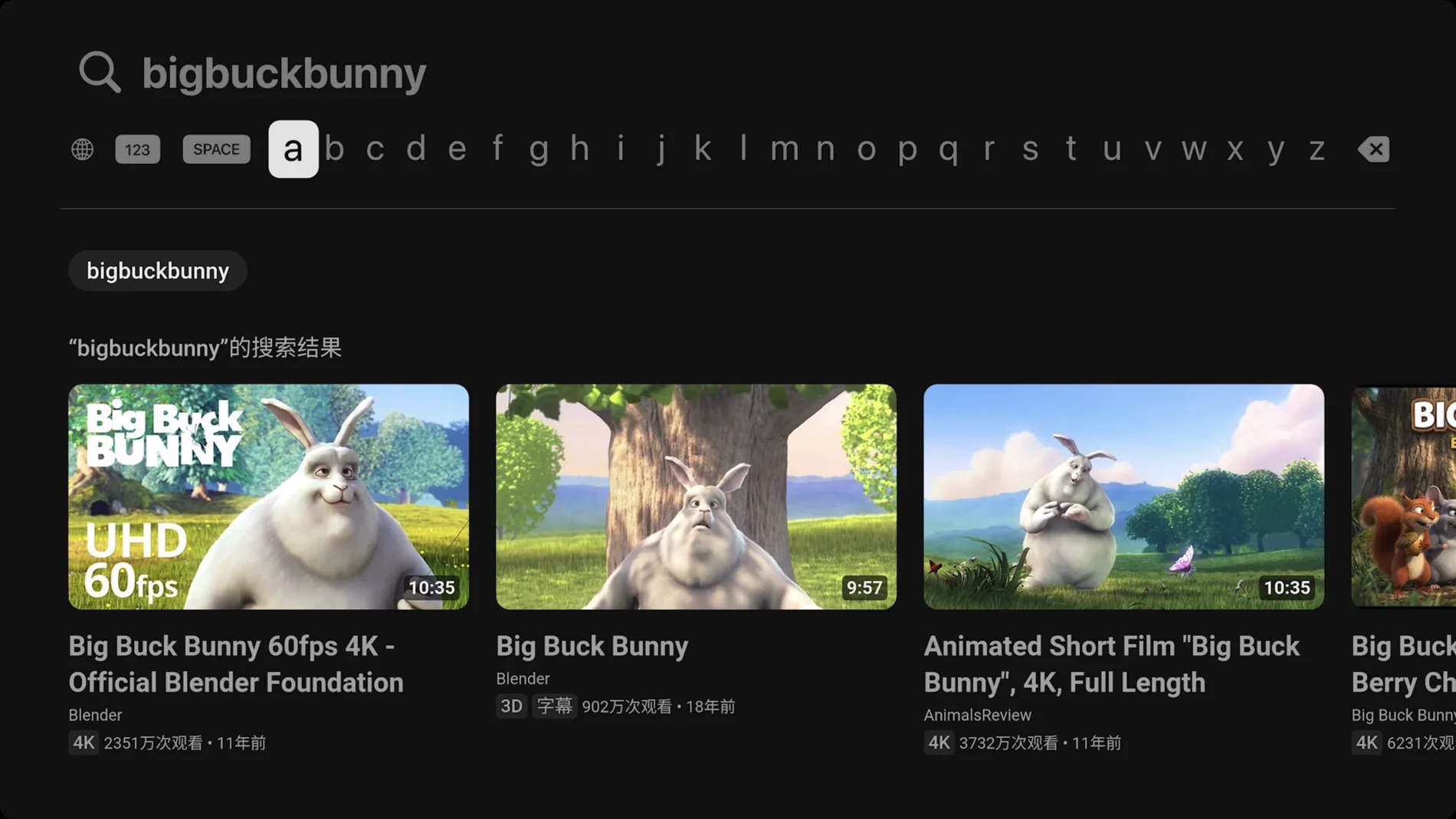
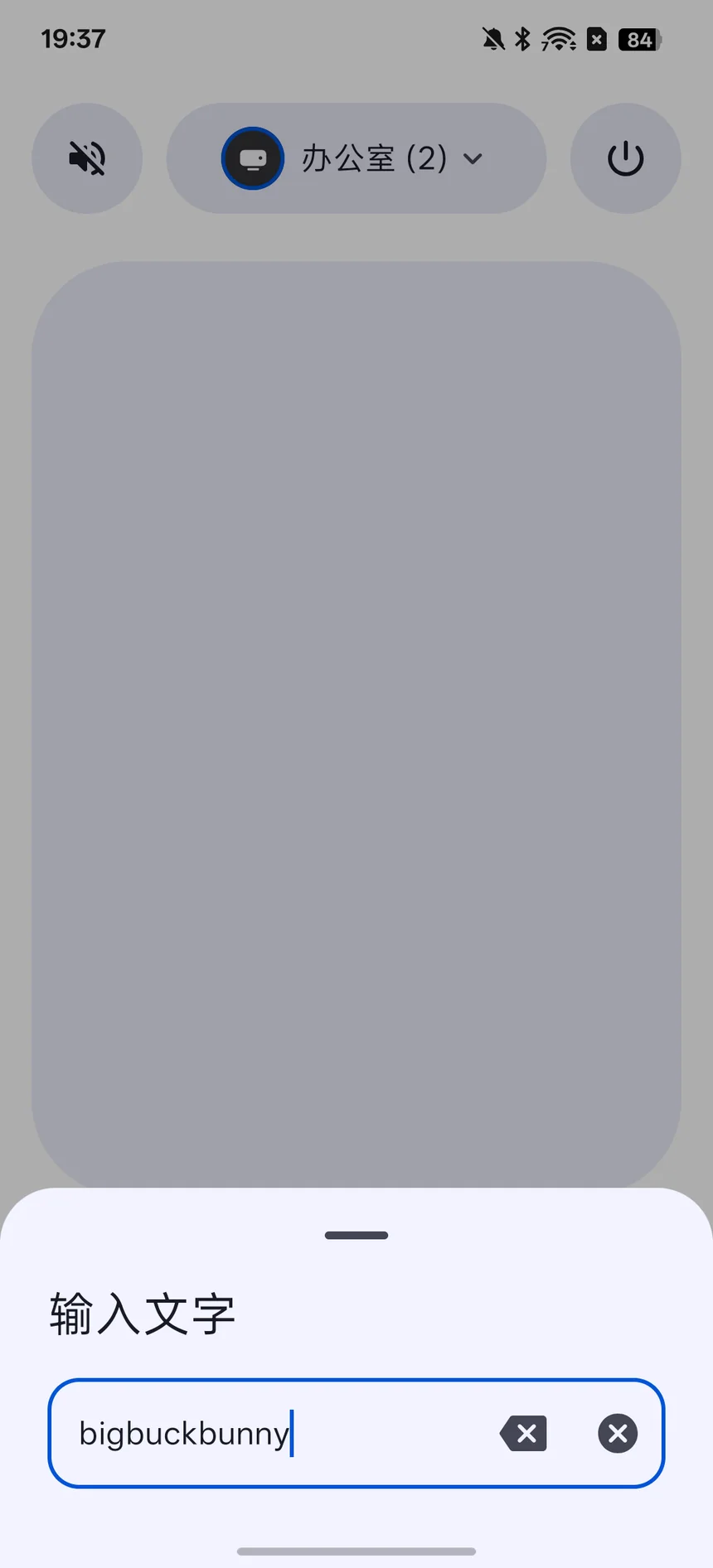
When a text field gets focus on your TV, Pip opens a keyboard on your phone. Letters show up on the TV as you type.电视上的文字框一获得焦点,手机自动弹出输入框,内容实时同步,不用再一格一格选字母。
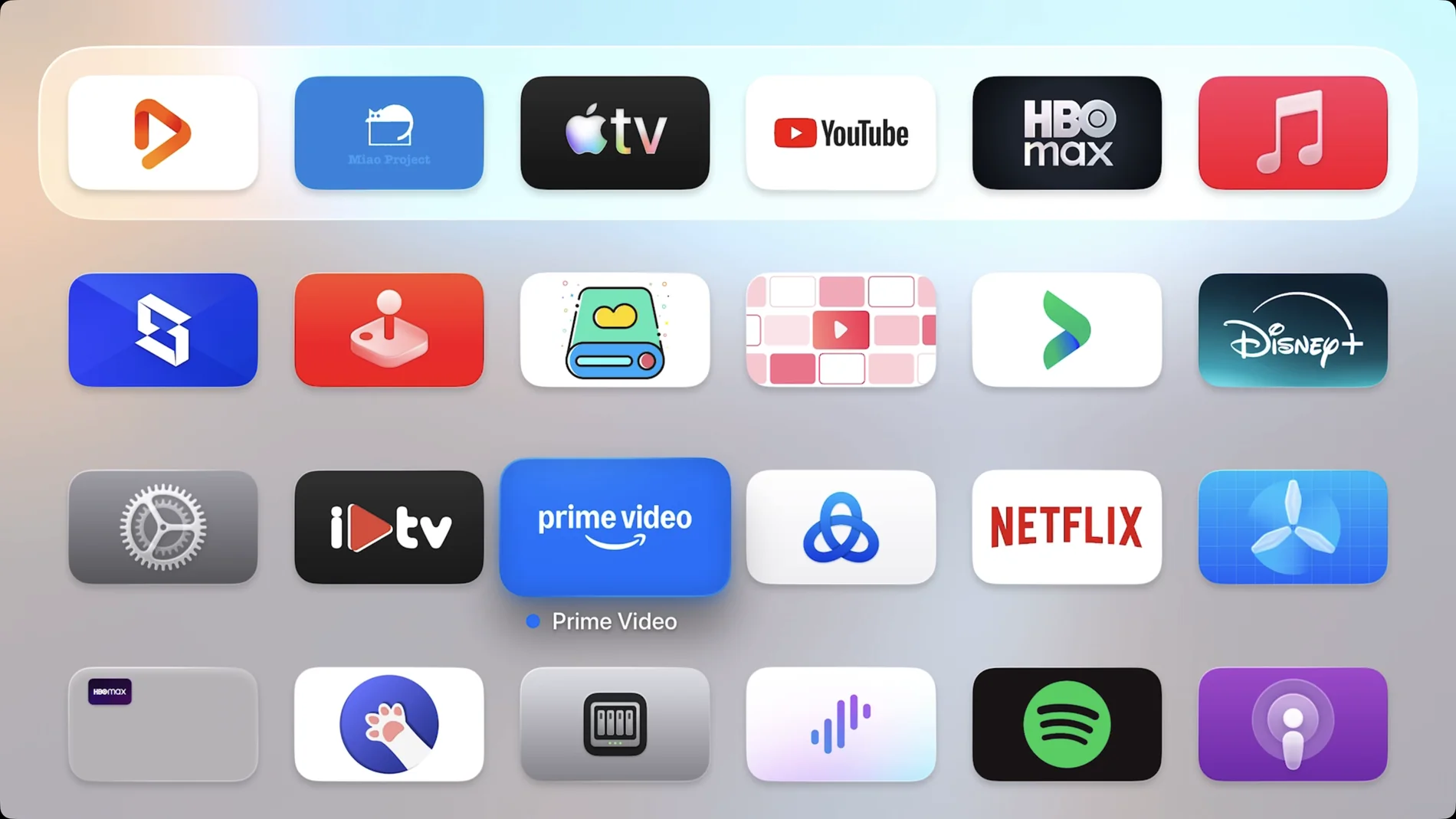
Swipe over to see the apps on your Apple TV, with their real icons. Search them, tap one, and it opens on the big screen.向左滑进入应用页,显示电视上的应用和真实图标。可以搜索,点一下就在电视上打开。
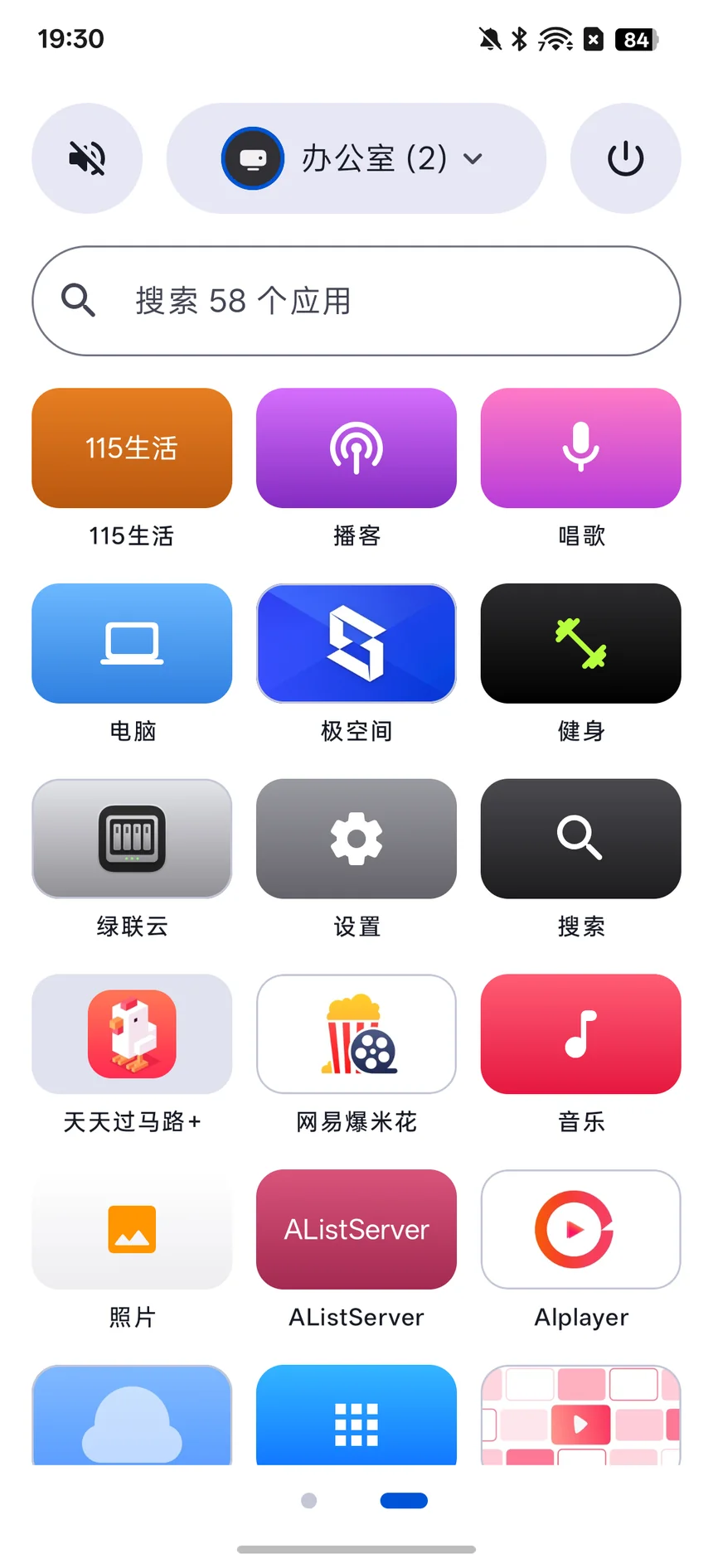
Press the buttons on the side of your phone to change the TV’s volume, the same way you would on iPhone. While something is playing, they work from the lock screen too.直接按手机侧边的音量键调电视音量,和 iPhone 上一样。有内容播放时,锁屏也能调。
Pip finds your Apple TV on the network. Enter the PIN shown on the TV and you’re set.Pip 会自动发现局域网里的 Apple TV,输入电视上显示的配对码就好。
No account and no cloud. Pip only goes online to look up artist names and app icons from Apple’s store.不用账号,也没有云服务。只有查询歌手名和应用图标时才会访问 Apple 商店。
Built with Material You, Pip follows your light or dark mode and wallpaper colors.采用 Material You 设计,跟随系统深浅色和壁纸取色。


Version 1.0 · Requires Android 8.0 or later · The app’s interface is currently in Simplified Chinese · Tested with tvOS 26.6 · Also works with Xiaomi and TCL TVs.版本 1.0 · 需要 Android 8.0 及以上 · 应用界面目前为简体中文 · 已在 tvOS 26.6 上测试 · 也支持小米和 TCL 电视。
SHA-256: a9e945b10f8d2b753639cfc9127b919404ef9d0c42570c7b089a26c64c0cdc0c